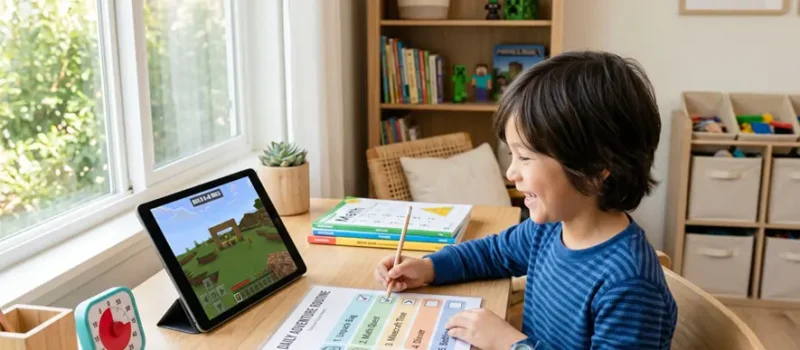
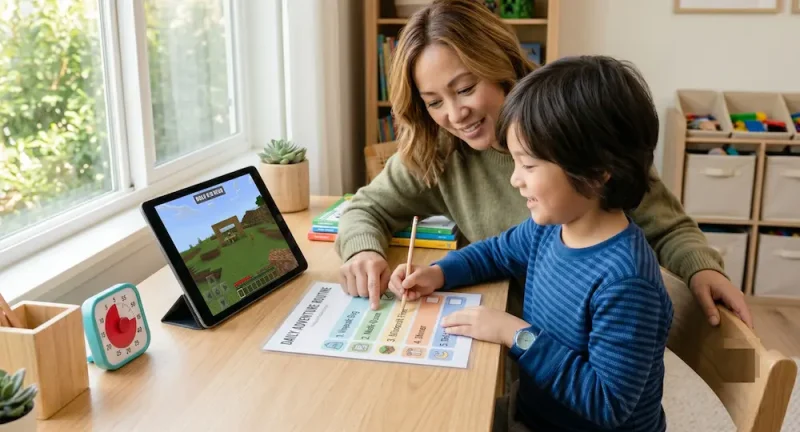
To build a routine that includes educational gaming, parents should link gameplay directly to real-world tasks and math concepts, using Minecraft as a reward or active learning tool. By setting clear time limits and framing chores as “quests,” gaming becomes an intentional, stress-free part of the daily schedule.
The Screen-Time Struggle is Real (And We Get It)
It is 4:00 PM on a Tuesday. You are trying to prep dinner, get the homework out of the backpacks, and manage the general after-school energy slump. Meanwhile, your child is begging to play Minecraft.
Instead of fighting the screen-time battle, let’s use it to our advantage. You don’t need to ban the game or feel guilty about screen time. Instead, we can use your child’s favorite hobby as a powerful hook to get them to crush their math goals and stick to a peaceful daily routine.
Leveling Up Your Afternoon Routine
Kids thrive when they know exactly what to expect next. By framing the daily routine around gaming concepts, your child will feel like they are actively leveling up their real life.
Step 1: The “Inventory Check” (After-School Transition)
When your child walks through the door, do not immediately lecture them about chores or homework. Start with an “Inventory Check”.
- Hang up the backpack (Emptying the inventory).
- Put the lunchbox in the sink.
- Sit down for a 10-minute snack sprint to recharge their batteries.
Step 2: The Pre-Game Quest (The Routine Chart)
Before the screen turns on, the daily “quests” must be completed. Keep this list short, visual, and easy to read.
- Quest 1: 15 minutes of math practice or homework.
- Quest 2: Clear the dinner table or feed the pet.
- Quest 3: Shoes and coat put away for tomorrow morning.
Keep your routine chart at eye level for your schooler. Use simple checkboxes so they can check off their own quests without needing you to guide them through every single step.
How Minecraft Fits Into Educational Gaming
Minecraft is essentially a giant box of digital LEGO bricks. It is packed with hidden math concepts that your child is already using. Here is how to make those math connections explicit without making it feel like a boring school lesson.
Area and Perimeter in the Crafting World
To build a house in Minecraft, players have to lay down a foundation. This is the perfect moment to introduce geometry.
- The Challenge: Ask your child to build a house base that is exactly 6 blocks wide and 8 blocks long.
- The Math Realization: Have them count the total blocks needed for the floor to discover area ($6 \times 8 = 48$) or count the outside border to find the perimeter.
Multiplication and Resource Management
Crafting items in the game requires specific recipes and multiples of resources.
- The Challenge: “If 1 torch requires 1 coal and 1 stick, how many of each do you need to craft 8 torches?”
- The Math Realization: This is basic multiplication disguised as a survival strategy. Your child is solving equations to advance in their game.
Creating the Perfect Visual Schedule for Educational Gaming
A routine only works if everyone can see it. Use a clean, pastel-colored visual schedule that clearly separates “Creation Time” from “Family Time”.
| Time Block | Activity Name | Real-World Goal |
| 3:30 PM – 4:00 PM | The Spawn Point | Unwind, eat a snack, unpack the bag. |
| 4:00 PM – 4:30 PM | The Math Quest | Homework or educational math games. |
| 4:30 PM – 5:30 PM | Creative Mode | Earned Minecraft gameplay time. |
| 5:30 PM – 6:00 PM | Server Shutdown | Transition to dinner and family time. |
Designing a Calming Screen-Time Workspace
The physical environment matters just as much as the schedule. To reduce parental stress and keep kids focused, set up a designated gaming and study zone.
Keep It Bright and Natural
Set up the workspace near a window with plenty of warm, natural sunlight. Avoid dark corners that make screen glare worse and cause eye strain.
Use Natural Textures
Incorporate natural wood organizers or storage baskets to keep headphones, tablets, and charging cords tucked away cleanly. When the space feels organized, the routine flows much more naturally.
How to Handle the “Server Shutdown” Without a Meltdown
The hardest part of any gaming routine is getting your child to turn the screen off. Instead of yelling across the house, try this 3-step transition ritual.
- The 10-Minute Warning: Give a countdown, but phrase it in game terms: “10 minutes until saving your progress and shutting down the server.”
- The Final Inventory Check: Ask your child to show you what they built or accomplished during their session. This bridges the gap between their digital world and the real world.
- The Physical Pivot: Move immediately into a physical activity, like setting the table or doing a quick 5-minute stretch, to reset their brain for the evening.
Recommended Tools for Easier Setup
Setting up a routine shouldn’t feel like extra work for you. Here are a few practical tools that can help streamline your new schedule:
- Visual Countdown Timers: A physical visual timer helps kids actually see how much gaming time they have left, making transitions much smoother.
- Printable Routine Checklists: Keep a laminated morning and evening checklist on the fridge so your child can check off tasks independently.
Minecraft Education Edition: If you want to lean entirely into learning, this version of the game has built-in math and science worlds specifically designed for students.